
Launch videos from a URL
LaunchTrailer
Paste your product's link and get launch videos for every feed.
$49 a month·In your browser·5 campaigns a month
What LaunchTrailer does
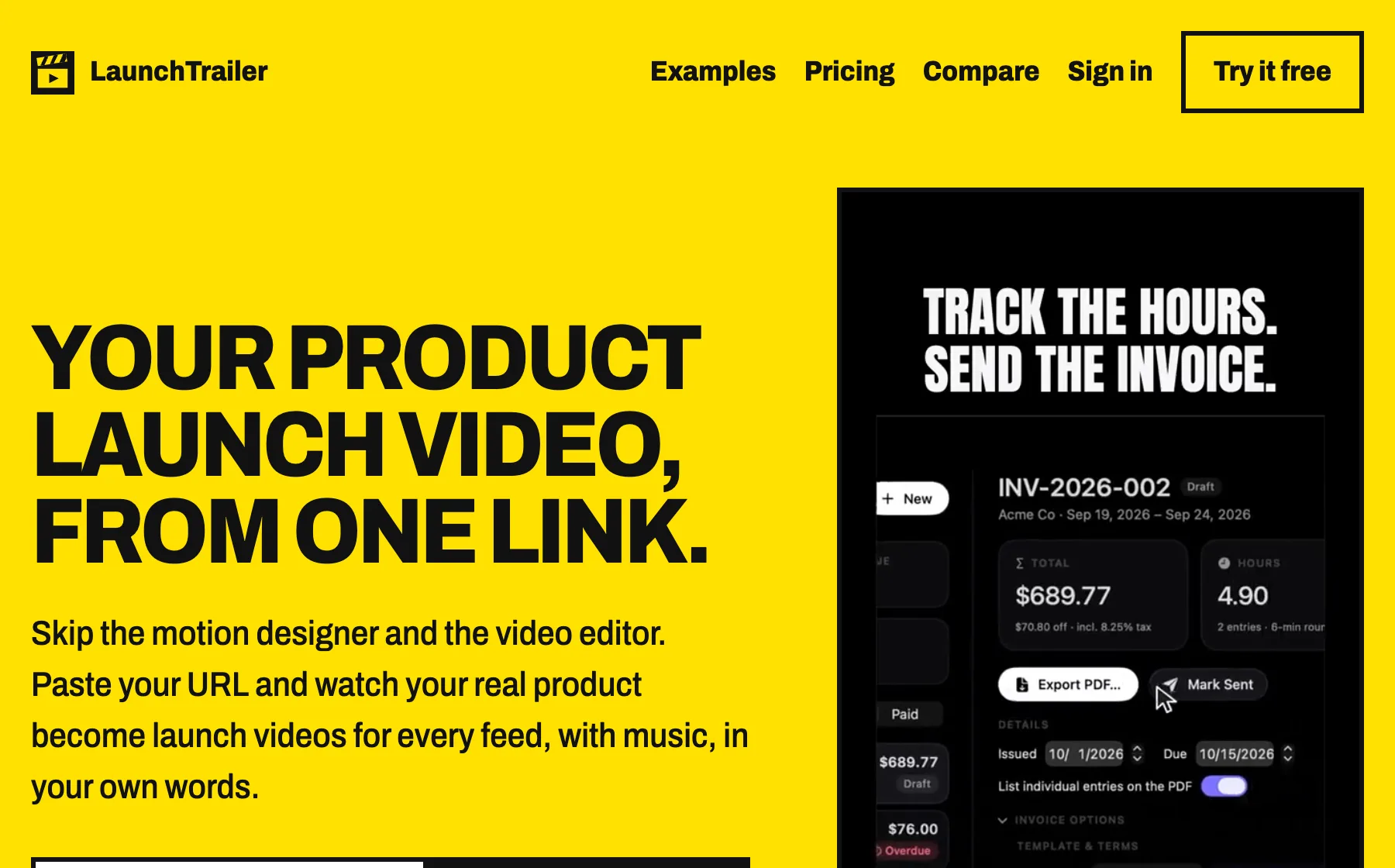
LaunchTrailer makes short launch videos for software. You paste the address of your product page, it reads the page, and a couple of minutes later you have a draft: three hooks, a pass over your real interface with a cursor clicking through it, your main features and a call to action.
It does not make anything up. Every claim in the draft sits next to the quote from your page that it came from, and a number can only appear if your page says it. The screenshots are yours, with a camera moving across them, not a redrawn version of your app.
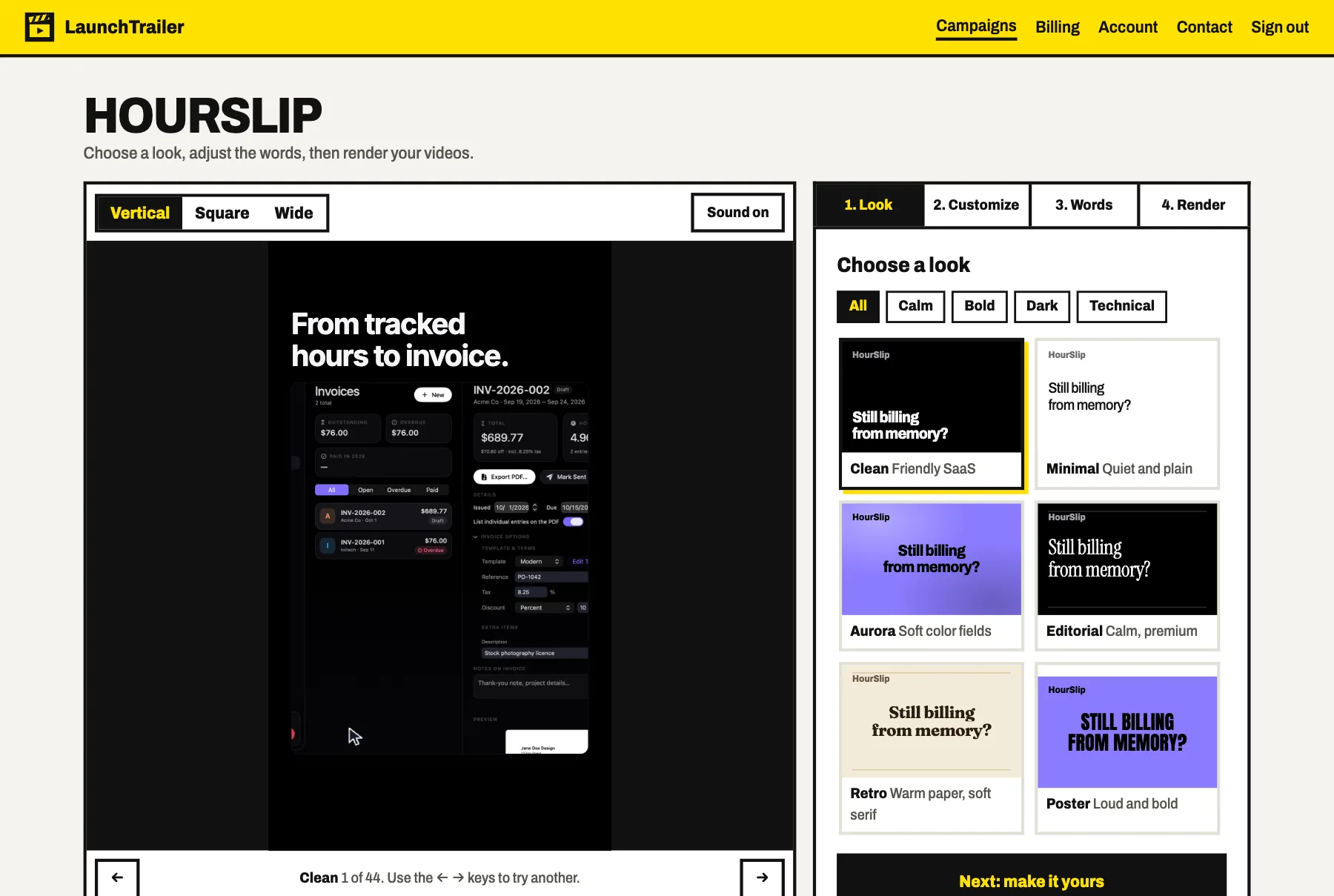
You choose one of 44 looks, change the colours, fonts, transitions and music if you want to, and edit any line. Then it renders the set: up to 18 videos of 25 seconds, in 9:16 for Reels, Shorts and TikTok, 1:1 for feeds, and 16:9 for YouTube and Product Hunt.
The parts worth knowing about
Not the whole list - the app has more screens than a page like this can usefully hold. These are the decisions that make LaunchTrailer different from the last one you tried.
-
A draft from one link
Paste a public product page. It picks the screenshot that shows the product best and writes three hooks, three features and two calls to action from what the page says.
-
Every claim shows its source
Each statement in the draft has the quote it came from beside it, and you confirm them before anything renders. If your page does not say it, the video does not either.
-
44 looks, and you can change all of them
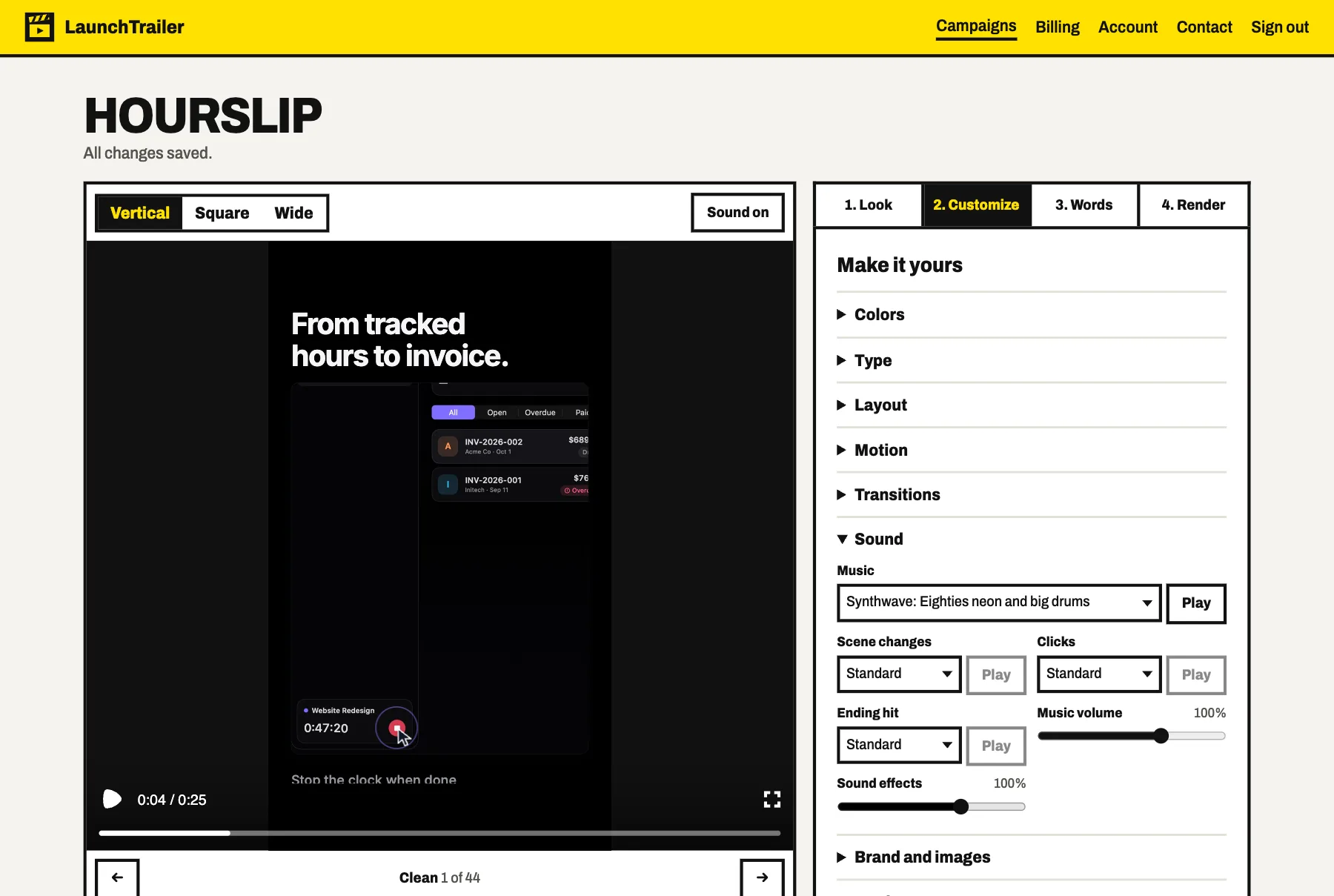
From quiet editorial to loud poster type. After you pick one you can change colours, any Google font, layout, motion and the transitions between scenes.
-
Music and sound effects included
Each video has an instrumental track and effects timed to its clicks and cuts. Pick from 12 tracks and 17 effects, or keep the sound made for your look.
-
Three formats, rendered together
Vertical, square and wide come out of the same campaign, so the video on your listing and the one in your posts say the same thing.
-
A live preview while you edit
The video plays in the browser as you change things, with sound if you want it, so you see a look on your own words before you spend a render on it.
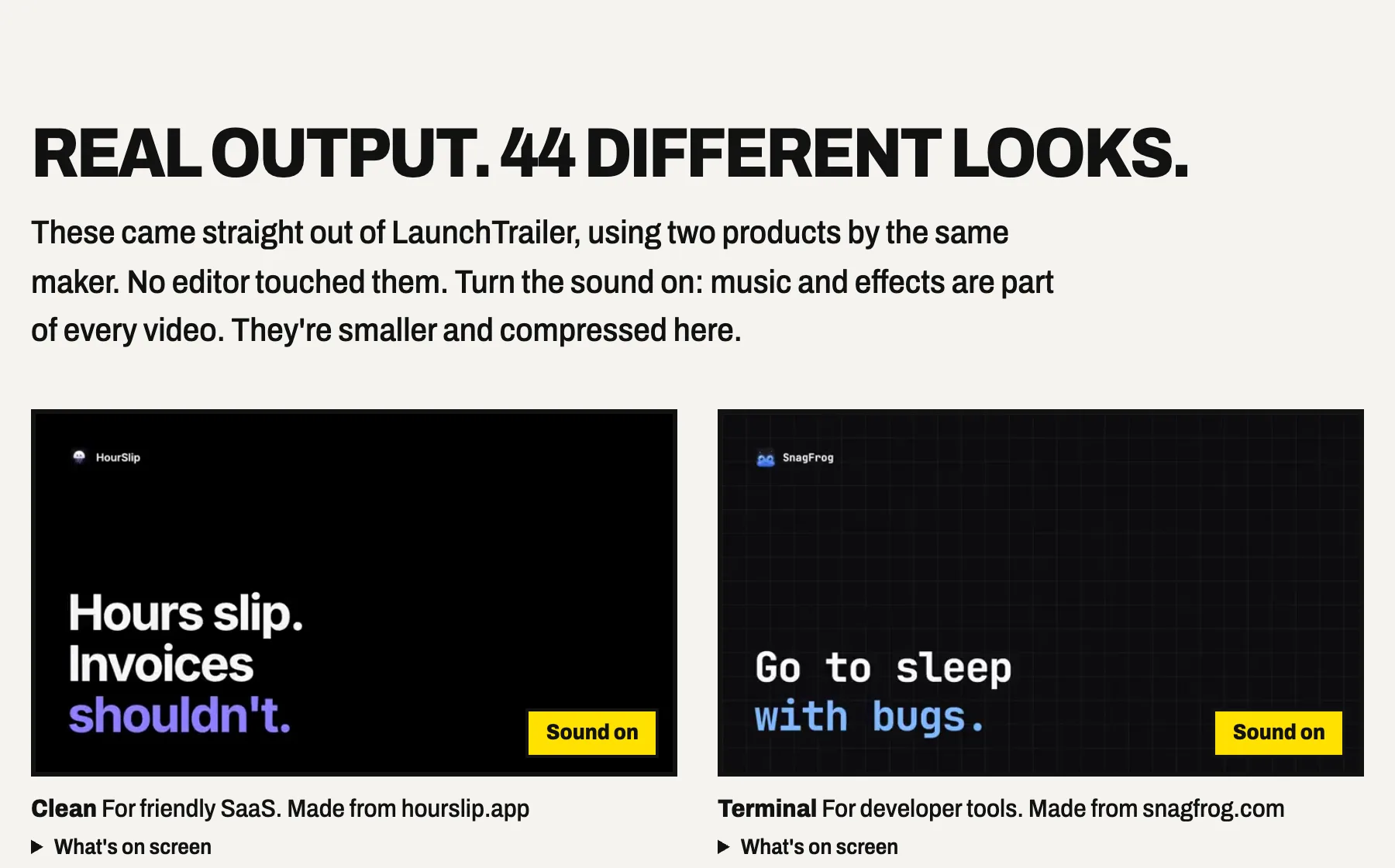
LaunchTrailer, running
Pricing
Every account gets one free preview: the copy and a live video preview, without a download. Need more than 5 campaigns in a month? A one-time boost adds 5 for $39, and those never expire. If you have not rendered anything within 14 days of paying, ask and you get a refund.
- LaunchTrailer$49
USD a month. 5 campaigns, up to 18 videos each. Cancel any time.
- All 44 looks and every customisation
- Vertical, square and wide
- Music and sound effects
- No watermark, MP4 up to 1920 by 1080
What you need
- Where
- In your browser at launchtrailer.app. Nothing to install.
- What you need
- A public product page with real screenshots, or your own screenshots and details typed in by hand
- What you get
- MP4 videos of 25 seconds in 9:16, 1:1 and 16:9, with music and sound effects, and a zip of the whole set
- How long
- A couple of minutes for the draft. About 20 minutes to render a full set of 18.
- Account
- Email and password, or Google
- Your videos
- Kept for 90 days after rendering. Videos you downloaded are yours after you cancel.
- Not included
- Voiceover, presenters, videos longer than 25 seconds and frame-by-frame editing
Questions about LaunchTrailer
How much does LaunchTrailer cost?
$49 a month, with 5 campaigns. Each campaign can make up to 18 videos across three formats, three hooks and two calls to action. Cancel any time and keep everything you downloaded.
Is there a free version?
One free preview per account: you see the drafted copy and a live preview of the video. Downloading videos needs the subscription.
Does it add a voiceover?
No. The videos have an instrumental track, sound effects and large on-screen text, so they also work with the sound off. If you need narration, add it to the downloaded file in your own editor.
Will it make claims about my product that are not true?
It is built not to. Every claim is shown with the quote from your page it came from, numbers must appear in one of those quotes, and you confirm the claims before it renders.
Can I use it for any website?
It reads any public page, but it is made for software products with clear copy and real screenshots, and you must have the right to promote the product. For pages behind a sign-in, type your details and upload screenshots instead.
Five campaigns a month, $49