Cadence: I stopped scattering my life across apps and built one
- cadence
- claude
- macos
- ios
- productivity
My notes were in Apple Notes, except the ones in Google Keep. My habits were in whichever tracker I’d downloaded most recently, and I went through a lot of them, because none of them ever quite stuck. Trips got planned wherever I happened to be sitting: sometimes Notion, more often just another note. Everything had a home. It was a different home every time.
None of it was broken, exactly. It just meant there was no single place I could open to see what my life currently looked like, and a habit, a task, a trip and a recipe are all the same life. They only look like separate problems because separate apps sold them to me that way.
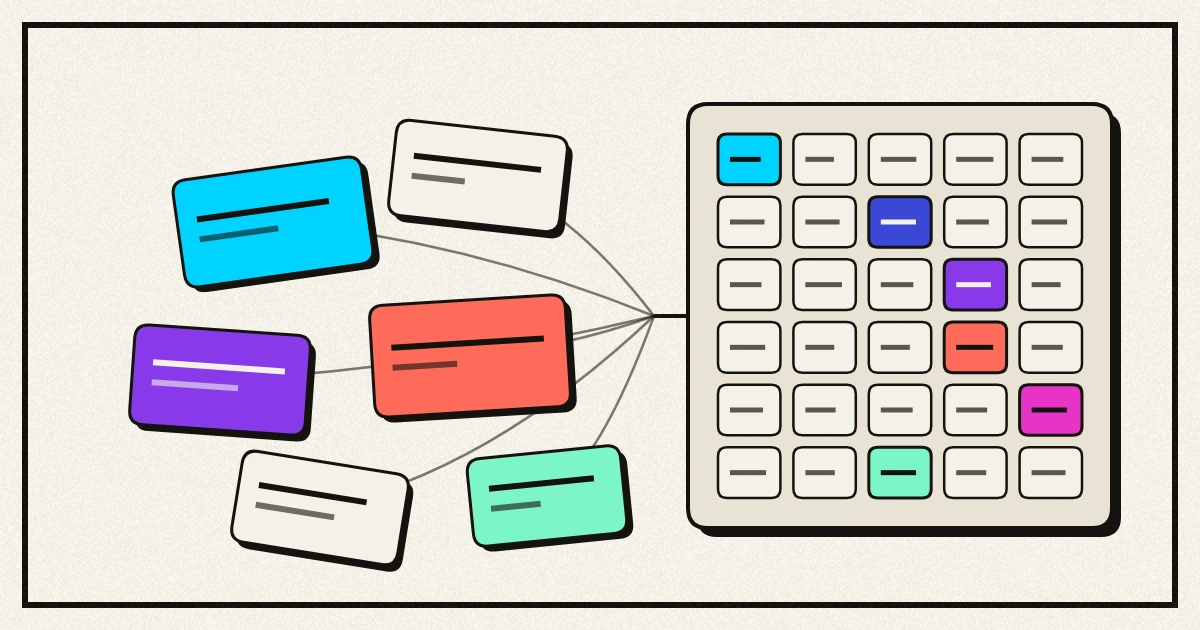
Cadence is what I built instead: notes, habits, a planner, a calendar and about twenty-six other trackers, all in one app that keeps everything on my own devices.
Get it: cadencelife.app - free, macOS 15 or later, no account and no server. Everything it stores stays on your own disk. The iPhone version is the same app and it’s with Apple, waiting on review.
I don’t write Swift
Worth saying early, because it’s the whole story. Cadence is a native Mac and iPhone app written in a language I have never written a line of. Claude wrote it. I decided what it should be.
That division turns out to be the interesting part. The build didn’t start with code, it started with an argument. Before anything got made I wrote down what the app was for, what it deliberately would not do, and the one assumption that would sink the whole idea if it turned out to be wrong. That document is still in the repo. It has a section called “the crux”, which is my honest attempt to name the thing most likely to make this a waste of time, and a section of non-goals, which is a list of features I can imagine wanting and have decided I don’t.
Revising a plan is cheap, because the only things on the page are decisions. Revising a finished app means reading a language I can’t read and guessing which lines were choices. So the pattern every time was the same: describe what I wanted, argue with the plan that came back, and only then let it get built.
What I brought was a messy life to describe and enough engineering instinct to know when an answer is too clever. What Claude brought was everything below that line.
Thirty trackers, one idea
Here’s the list, and I know how it reads. Hydration, weight, food, mood, hot and cold exposure, todo lists, projects, pomodoros, fasting, planner, notes, habits, events, journal, routines, packing, shopping, chores, goals, countdowns, trips, recipes, meal planner, medications, workouts, progress pictures, affirmations, ambient sounds, finances, and a private social timeline. Thirty modules, and you switch off the ones you don’t want, because nobody wants thirty.
An app that does thirty things usually does them all badly. What stops this one being that is a thing I noticed while writing the list out: most of those aren’t really different apps.
A hydration tracker and a weight tracker are the same tracker. A number, a date, a chart. The only difference is the unit and whether you add the day’s entries up or average them. A packing list and a shopping list are the same list. A pomodoro and a fast are the same clock, started and stopped.
So there are three shapes underneath everything. A number over time, a list you tick off, and a clock that runs. Nine of the thirty modules run on those three shapes today, which means the next number I decide to track is an entry in a catalogue rather than a screen somebody has to design. The other twenty-one earned their own: a week grid, a photo comparison, a dose schedule, and the trip planner I’d been faking in Notion.
That’s the whole trick, and it isn’t a programming trick. It’s what you notice when you finally write your entire life down in one list.
The small stuff is the app
Nobody keeps using a tracker because of how it’s built. They keep using it because logging something takes two seconds and doesn’t make them feel stupid. A good share of what I asked for is this sort of thing, and none of it needed me to read a line of Swift.
Dates get shortcuts. Almost every date I enter is within a week of now, and the normal date picker turns that into a nudging exercise. Today, tomorrow and next week sit right beside the control, and changing the day keeps the time I already set.
Typing keeps working after Enter. Adding five things to a list should not mean five trips back to the mouse.
Quick add shows its working. Type “submit the report friday at 3pm p1” and it fills in four fields for you. Every piece it thinks it recognised is highlighted back at you, because parsing what you typed is a guess, and a guess that quietly eats a word out of your title is worse than no guessing at all. It’s also deliberately timid: “buy 2 apples” keeps its 2, and “monitor” is not Monday.
A project is a board now, not a list. A tick box can tell you a step is finished. It can’t tell you a step is underway, which is the state most of my work is actually in, and it’s the reason Trello and Jira are shaped the way they are. Projects has three columns and you drag cards between them, or move them from a menu when dragging is fiddly, which on a phone it always is. Ticking something off on the Today screen slides it into Done on the board by itself, because two screens disagreeing about what’s finished is worse than either of them being wrong alone.
Deleting tells you what it costs. Delete a habit and everything logged against it goes too, which is correct and was also silent. Now it says the actual number out loud: “this also deletes 43 logged days, this cannot be undone.” The part I like is that a delete with nothing to lose asks nothing at all, so the warning never becomes a thing you click through on reflex.
Empty screens carry the button that fills them. A first run that only tells you what’s missing sends you hunting through menus.
Not lying to yourself
This is the part I actually care about, and it’s mostly restraint.
Streaks only count days the habit was scheduled. Skipping Saturday on a weekdays-only habit doesn’t break the run, and neither does an unfinished today. A streak that punishes you for your own rules is just a guilt counter, and I have uninstalled several of those.
Budgets judge pace, not totals. A progress bar hides the thing that matters, which is being 80% through the month’s money on the 10th. So the bar marks where you should be by now, and a category running ahead of the calendar says so. It stays quiet in the first days of a month, when it would only be noise.
Mood insights refuse to overclaim. Tagging how you felt with what you did that day is what turns a chart into something useful, but the wording has to stay honest. Cadence will tell you that days tagged “exercise” averaged higher. It will never tell you the exercise caused it. It says nothing at all until there are at least three tagged days and some untagged days to compare them against, and a difference too small to mean anything gets called negligible instead of dressed up as a finding.
Workouts remember last time. Getting slightly stronger is the entire point and nobody remembers what they lifted on Tuesday.
Switching to pounds never rewrites your history. Units are a display preference. What gets stored underneath never changes, so the past always says what it said.
Then I put it on my phone
Cadence was a Mac app that also compiled for iPhone, which turns out not to be the same thing as an iPhone app. It ran. It just ran Mac screens on a display a third of the width.
You cannot reason your way to that list of problems. I found them by opening the thing on a phone and going through it screen by screen with a notebook. The welcome tour was sized for a Mac window and hung over both edges, which put Skip and Next off the sides of the screen: a first run with no visible way through it. The four counters on the home screen didn’t have room for the word “TASKS”, so it arrived as “TAS” above “KS”. Every screen with a search box gave up its own title to make room for the box. The new workout form squeezed the exercise name down to three dots and snapped the word “Add” in half.
The bigger change was giving up my own furniture. Every screen carried a header bar I’d designed, which is right on a Mac, where the window’s title sits far from the content and shares its strip with a sidebar. On a phone it was a handmade copy of the bar iOS draws anyway, sitting directly above the real one. It’s gone. The phone gets its own bar, its own back swipe, and the search icon in the corner where every other iPhone app keeps it, and Cadence stops arguing with the platform it’s standing on.
There’s a More tab too. Switching a module on used to add it to the library and nowhere else, so opening a trip meant walking into a catalogue of all thirty and picking it out from among the ones I’d deliberately turned off.
And widgets, which I’d written off as a someday thing. Today’s habits, what’s coming up, and water against your target, on the home screen. A pomodoro or a fast now runs on the lock screen and in the Dynamic Island, which is where something counting down belongs, rather than behind an app you have to open to check on it.
Getting past Apple
The Mac version you can just download, which is why it went out first. Putting the iPhone one in front of people meant a paid developer account, which I’d been putting off, and it turned out to be the same thing standing in the way of iCloud sync.
”Cadence” was taken, so on the store it reads “Cadence Life Tracker”. Under the icon on your phone it still says Cadence, which is the name I cared about.
The first build Apple took crashed on launch. Every device, immediately, before it drew anything. Turning on the iCloud permission makes the app check its own filing cabinet against Apple’s rules for syncing, fourteen things in there broke those rules, and it gave up rather than open. Nothing on my machine had ever failed, because nothing on my machine had that permission switched on. Nearly 700 tests and none of them could have caught it, which is a lesson about test suites I don’t think I’d have got any other way.
Apple Health went in the other direction. It was built, it worked, and I took it out before submitting. It widened what I’d have to explain about privacy and what a reviewer would have to check, for a feature nothing else in the app leaned on. Weight, hydration and food are typed in by hand. I think that was the right trade and I’m still a bit sad about it.
What isn’t built
It’s early, and I’m still the only person using it.
- iCloud sync is plumbed in but unproven. The app opens a synced store and starts mirroring, which it couldn’t do a fortnight ago. What I haven’t watched happen is a record actually crossing from one device to another, and until I have, I’m not claiming it works.
- There are still two todo systems. The planner’s tasks and the todo lists module can’t see each other, which is exactly the sort of split this whole app exists to stop. Merging them is a decision I haven’t made yet rather than a job I haven’t done.
- There’s no undo and no trash. There’s an export instead, which is why deleting warns you properly and why “this cannot be undone” is literally true.
- Nothing reads the export back in. It’s a safety net you’d have to rebuild from by hand, which is a poor sort of safety net.
- The phone ignores your text size setting. If you’ve made text bigger everywhere else, Cadence won’t have noticed. That one bothers me more than the rest of this list.
- No dragging to reorder your day.
Does it actually sort anything out
The bet is that a task attached to a trip, a recipe, a goal or a habit can do something a task in a normal todo app never can. Right now that’s half true. Notes link out to nine kinds of thing, and nothing yet links to a task, so the most interesting version of this idea is still ahead of me.
What I can honestly claim is smaller. Everything I track is in one place, on my own disk, in a shape I chose, on the desk and now in my pocket, and I can read every word of it back out whenever I like.
That’s been enough to keep me opening it, which is the one test every habit app I downloaded eventually failed.