Cadence
Thirty trackers in one app, with nothing on a server.
- Free on one device, with Apple for review
- macOS 15 or iOS 18
- iCloud sync $14.99, paid once
What Cadence does
Notes in one app, habits in another, trips wherever you happened to be sitting. None of that is broken on its own, and together it means there is no single place to open to see what your life currently looks like. A habit, a task, a trip and a recipe are the same life. They only look like separate problems because separate apps sold them that way.
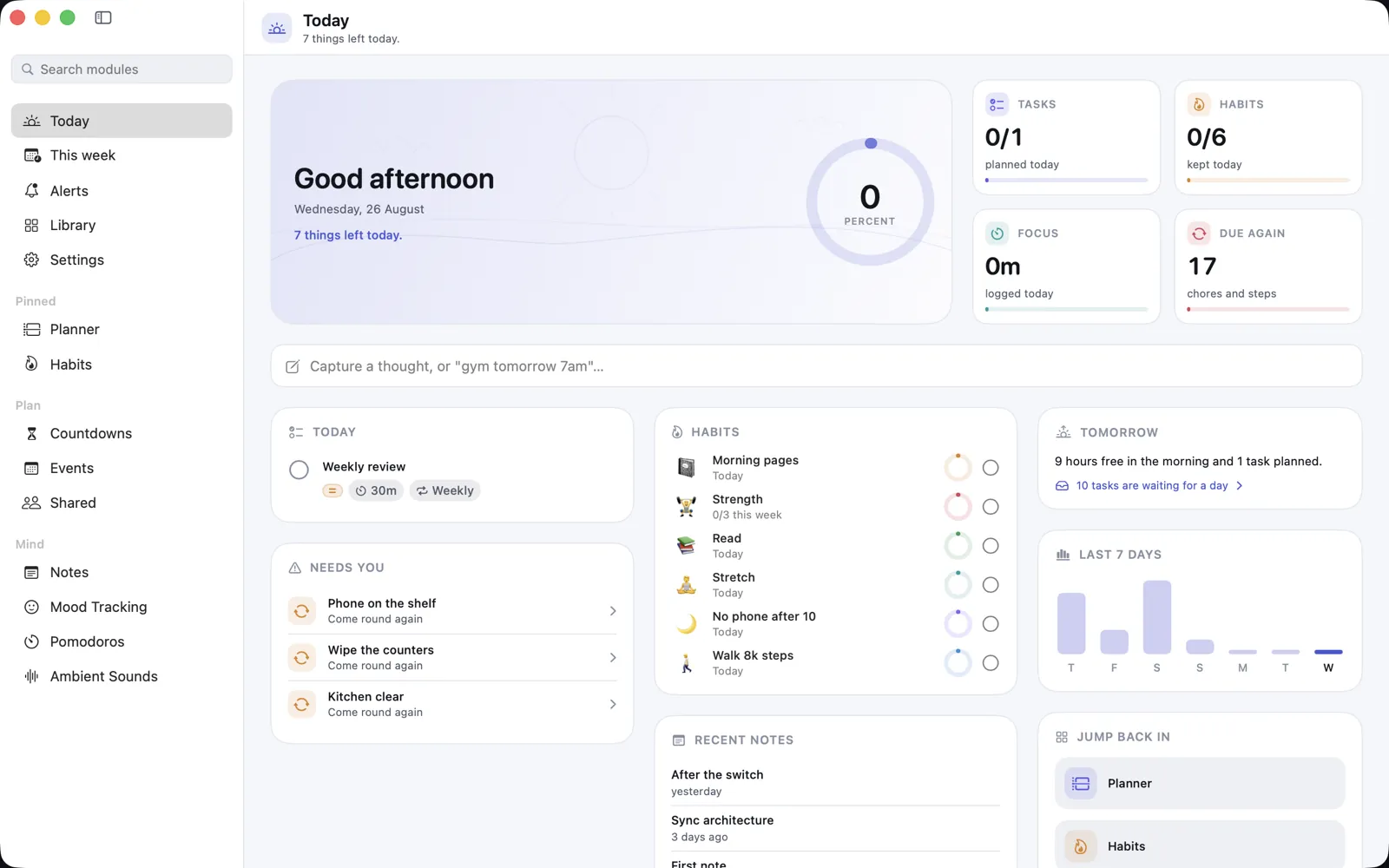
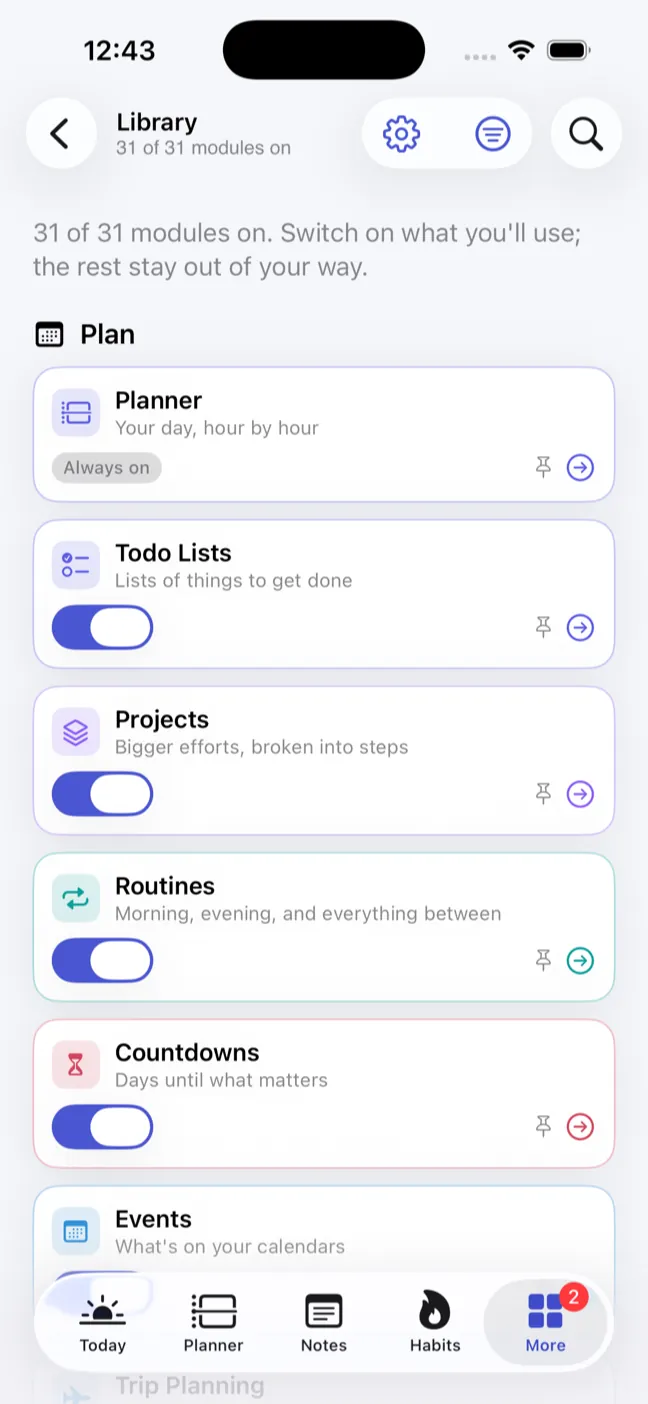
Cadence is thirty trackers in one place: hydration, weight, food, mood, todo lists, projects, pomodoros, fasting, a planner, notes, habits, events, a journal, routines, packing and shopping lists, chores, goals, countdowns, trips, recipes, a meal planner, medications, workouts, progress pictures, affirmations, ambient sounds, finances and a private timeline. Nobody wants thirty, so you switch off the ones you do not.
It is a native Mac and iPhone app rather than a website with an app around it, and everything you type stays on the device you typed it on. There is no account to make, because there is nothing on the other end to make one with.
The parts worth knowing about
Not the whole list - the app has more screens than a page like this can usefully hold. These are the decisions that make Cadence different from the last one you tried.
-
Thirty modules, and you keep the ones you use
Every tracker is switched on or off individually. The ones you turn off leave the app entirely rather than sitting in a menu waiting to be scrolled past.
-
Nothing leaves the device
No account, no server, no analytics on what you log. What you type is written to your own disk and stays there. iCloud sync, if you buy it, moves it between your own devices and nowhere else.
-
One menu item exports the lot
Everything you have ever logged, out as a JSON file you can read. It is your data whether or not you are still using the app, which is the only version of that sentence that means anything.
-
Quick add that shows its working
Type "submit the report friday at 3pm p1" and it fills in four fields. Every piece it thinks it recognised is highlighted back at you, because a guess that quietly eats a word out of your title is worse than no guessing at all.
-
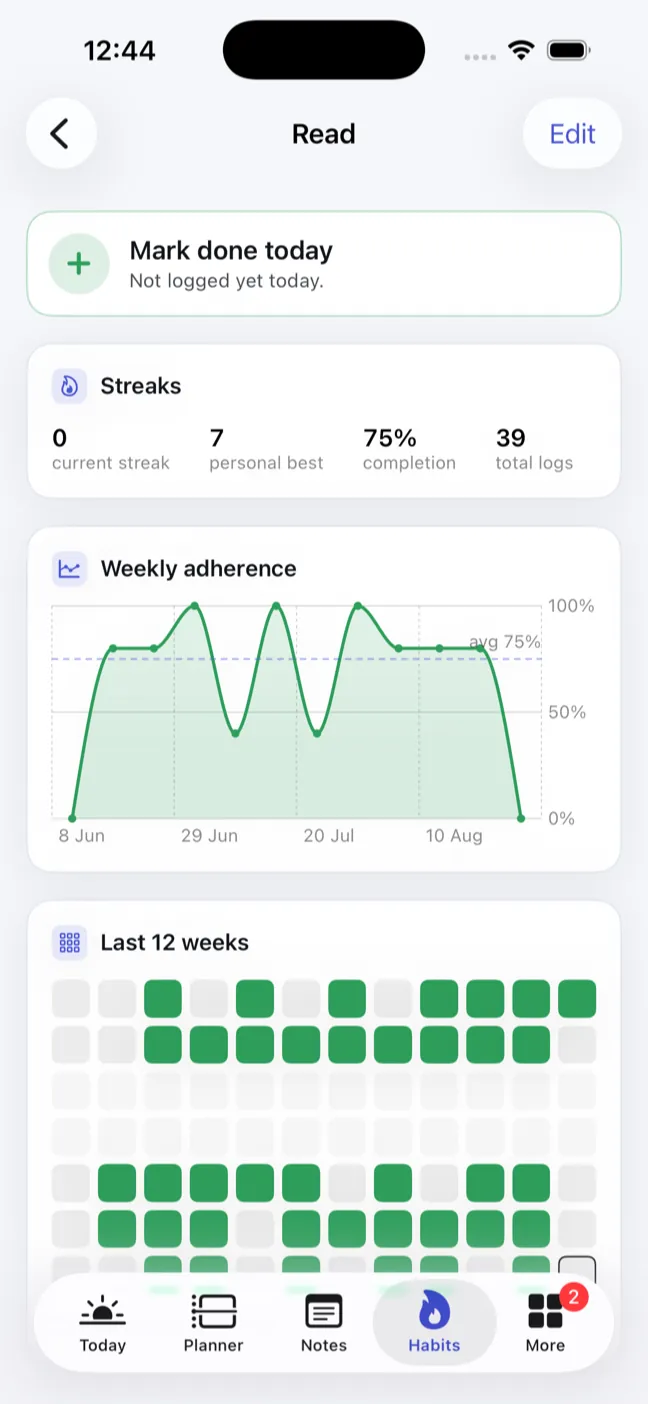
Streaks that only count the days you scheduled
Skipping Saturday on a weekdays-only habit does not break the run, and neither does an unfinished today. A streak that punishes you for your own rules is a guilt counter.
-
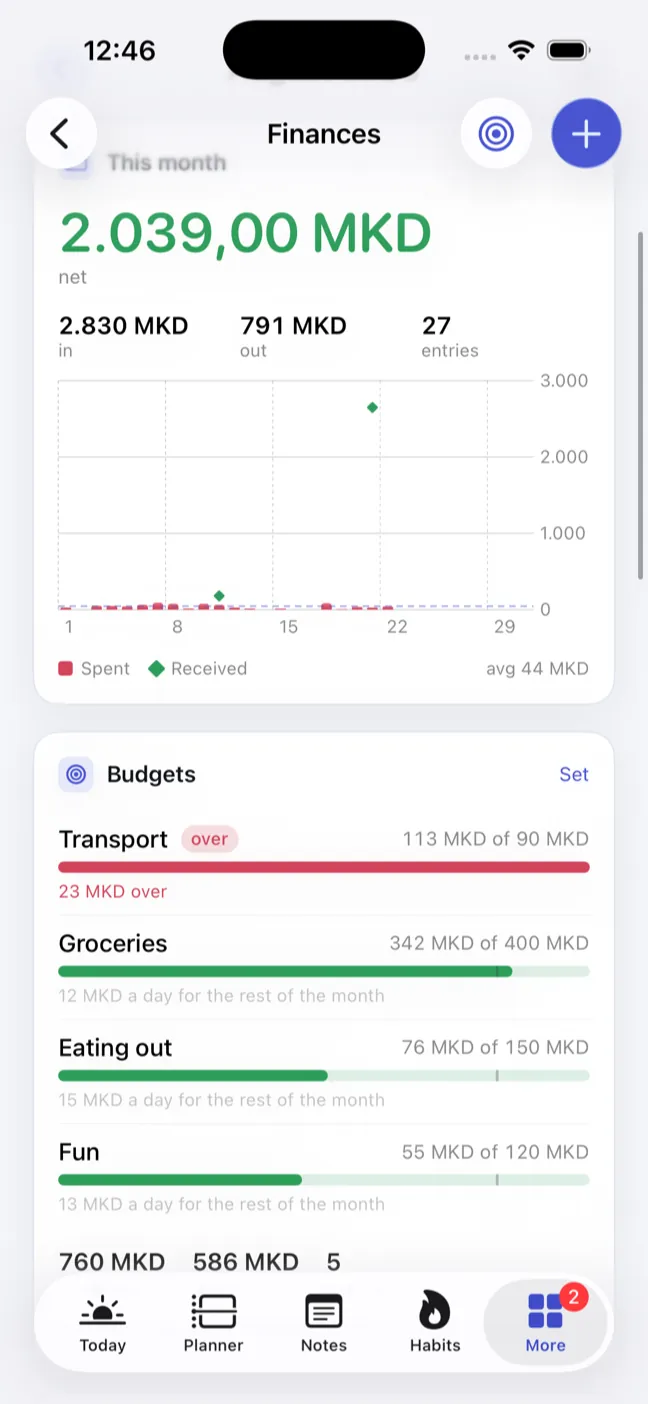
Budgets that judge pace, not totals
A plain progress bar hides the thing that matters, which is being 80% through the month's money on the 10th. The bar marks where you should be by now, and a category running ahead of the calendar says so.
-
Insights that refuse to overclaim
Cadence will tell you that days tagged "exercise" averaged a higher mood. It will never tell you the exercise caused it, it says nothing at all until there is enough tagged and untagged data to compare, and a difference too small to mean anything is called negligible.
-
On the phone, where you actually log things
The iPhone build is the same app with its own navigation rather than Mac screens squeezed narrow. Widgets for today's habits, what is coming up and water against your target; a pomodoro or a fast running on the Lock Screen and in the Dynamic Island.
Cadence, running
Pricing
The free app is the whole app. Sync is the one thing that needs paying for, because it is the one thing that costs something to run.
- CadenceFree
On one device, for as long as you like. Not a trial.
- All thirty modules, none of them locked
- Everything stored on your own disk
- The full JSON export
- No account, no sign-up, no email address
- iCloud sync$14.99
Paid once. Not a subscription, and there is no second one.
- Your Mac and your iPhone holding the same data
- Synced through your own iCloud account
- One purchase, both platforms
What you need
- Mac
- macOS 15 or later
- iPhone and iPad
- iOS 18 or later
- Processor
- Apple silicon or Intel
- Size
- About 37 MB on disk
- Latest version
- 1.0, August 2026
- Where
- With Apple for review
- Account
- None. There is nothing to sign up to.
- Your data
- On your own disk, exportable as JSON
Free on the App Store, once approved