Capta
The screen recorder that edits itself.
- Free
- macOS 14 or later, Apple silicon
- Notarized, 1.8 MB
- No account
What Capta does
Record a demo of your app and every screen recorder on the market hands you the same thing back: your footage, untouched, with the pauses and the typos and the minute of fumbling left in, and a timeline in which to spend your evening fixing that. Capta hands you the edit. While you record it watches your clicks, your typing and your scrolling, and when you stop it has already chosen the zooms, cut the dead air, sped up the typing and set the pacing.
The camera work is the part you notice first. Capta reads the UI element under every click and frames it with spring-damped moves that glide rather than snap - and when an app will not say what you clicked, it finds the dialog in the pixels and frames that instead. Drop in a music track and every cut lands on the beat; no track handy, and three built-in ones or a Creative-Commons search are one click away, with a drag handle to pick exactly which stretch of the song plays.
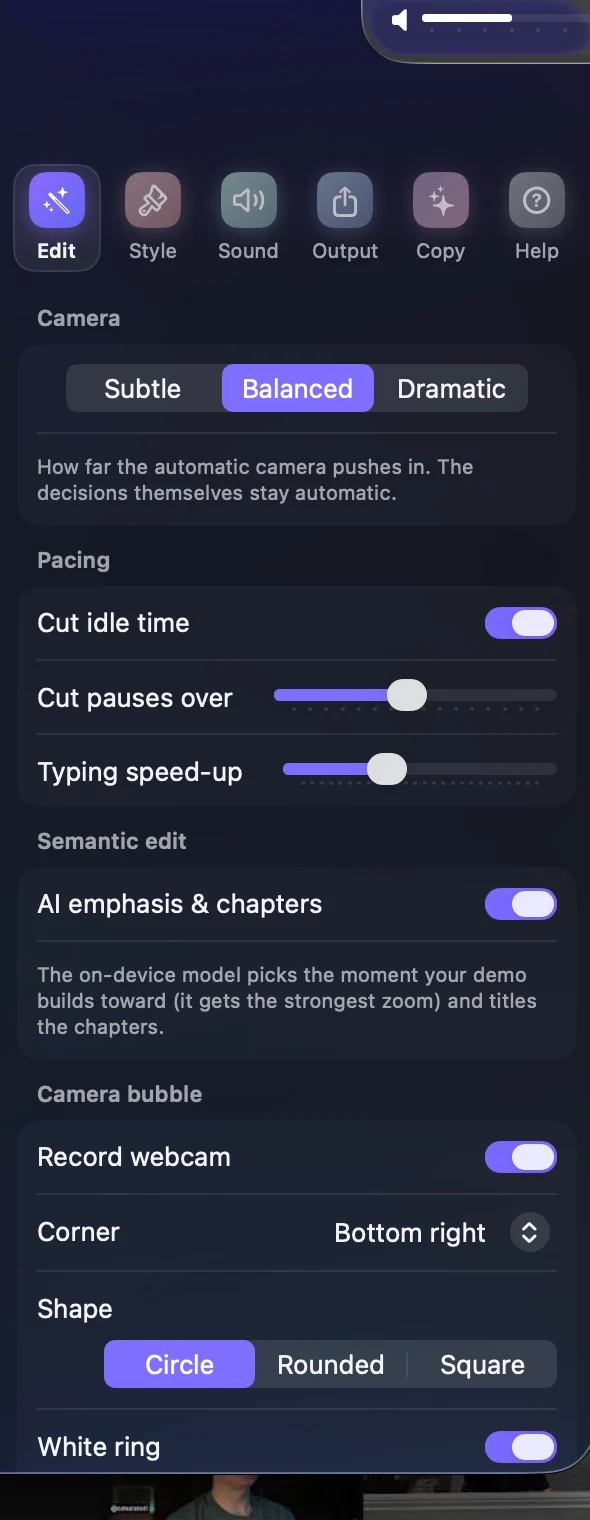
Talk while you record and Capta transcribes you on the Mac itself, burns in captions, steers cuts and speed-ups around your sentences, and ducks the music under your voice. Flip the camera on and you appear as a floating bubble - circle, rounded or square, any corner. On a Mac with Apple Intelligence, the on-device model also picks the moment your demo builds toward, titles its chapters, and writes the video's title, caption and social post from what actually happened on screen.
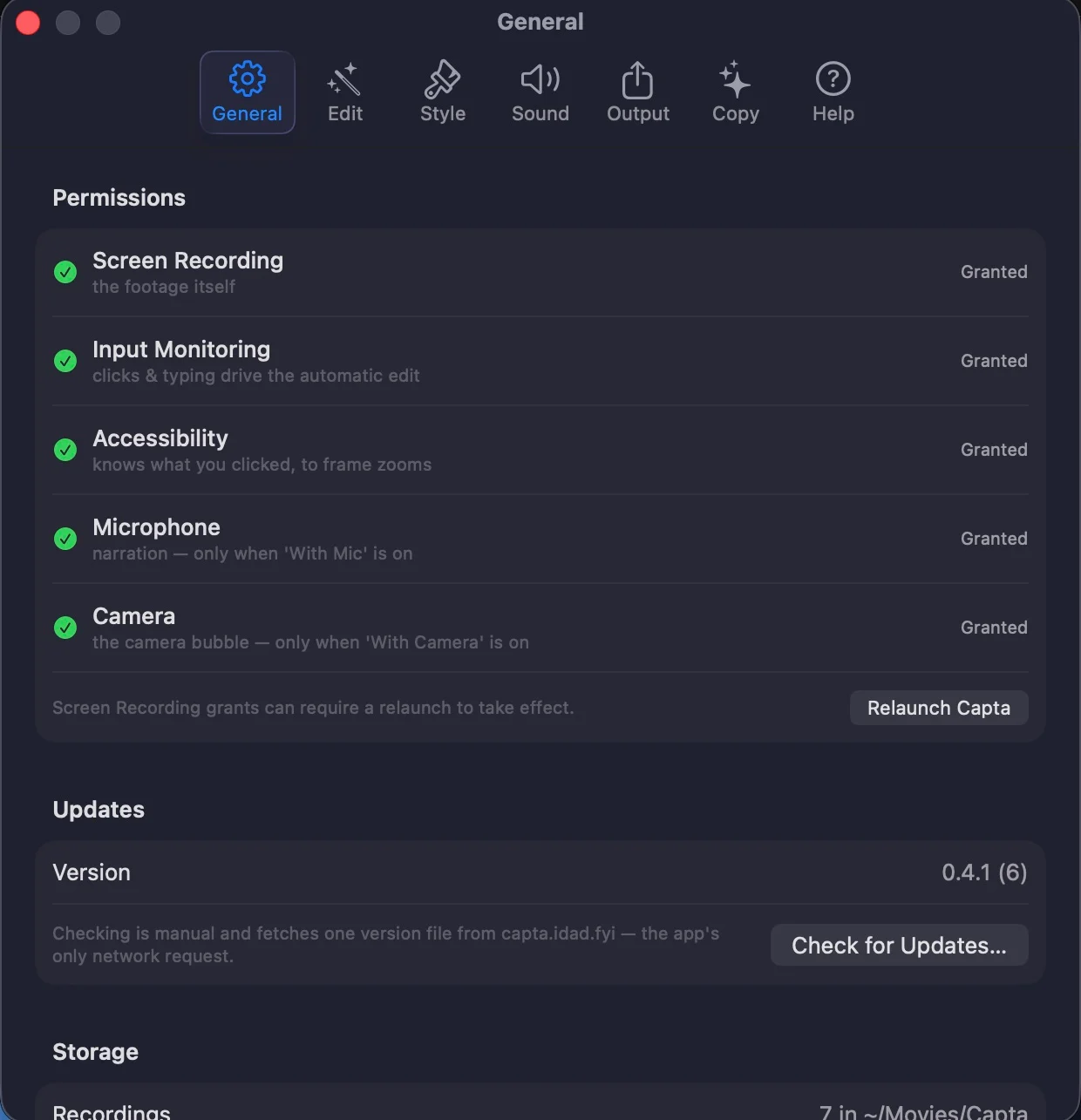
All of it runs on your Mac: the recording, the edit engine, the transcription, the AI. No account, no uploads, no telemetry - the only network requests it can make are the update check and the music search, and both wait for you to click.
The parts worth knowing about
Not the whole list - the app has more screens than a page like this can usefully hold. These are the decisions that make Capta different from the last one you tried.
-
Zooms that know what you clicked
Capta reads the UI element under every click and frames it with spring-damped camera moves, restrained on purpose. When an app hides its widgets, Vision finds the dialog in the pixels and frames the whole thing.
-
Dead air never ships
Idle stretches are cut, typing and loading are sped through with eased ramps, and a minute of fumbling comes out as thirty tight seconds - without you marking a single edit.
-
Cuts that land on the beat
Drop in any track and Capta detects its tempo on-device and snaps every cut to the grid. Three built-in tracks and a Creative-Commons search cover you when nothing is handy, and a drag bar picks the stretch of the song that plays.
-
Talk, and it captions you
Narration is transcribed on your Mac, captions are burned in, cuts and speed-ups steer around your sentences, and the music ducks while you speak. Your voice never leaves the machine.
-
You, in the corner
Record the camera alongside the screen and appear as a floating bubble - circle, rounded or square, any corner, with or without the ring. Toggle it right where you start recording.
-
Apple Intelligence, when you have it
On a Mac with Apple Intelligence, the on-device model picks the payoff moment and gives it the strongest zoom, titles the chapters, and writes your title, caption and social post. Optional, and everything works without it.
-
A screenshot studio in the same style
Capture a screen, window or area and restyle it live with one-click presets. Annotate with arrows, highlights, numbered steps, a spotlight dim, and a pixelating blur for the parts nobody should read.
-
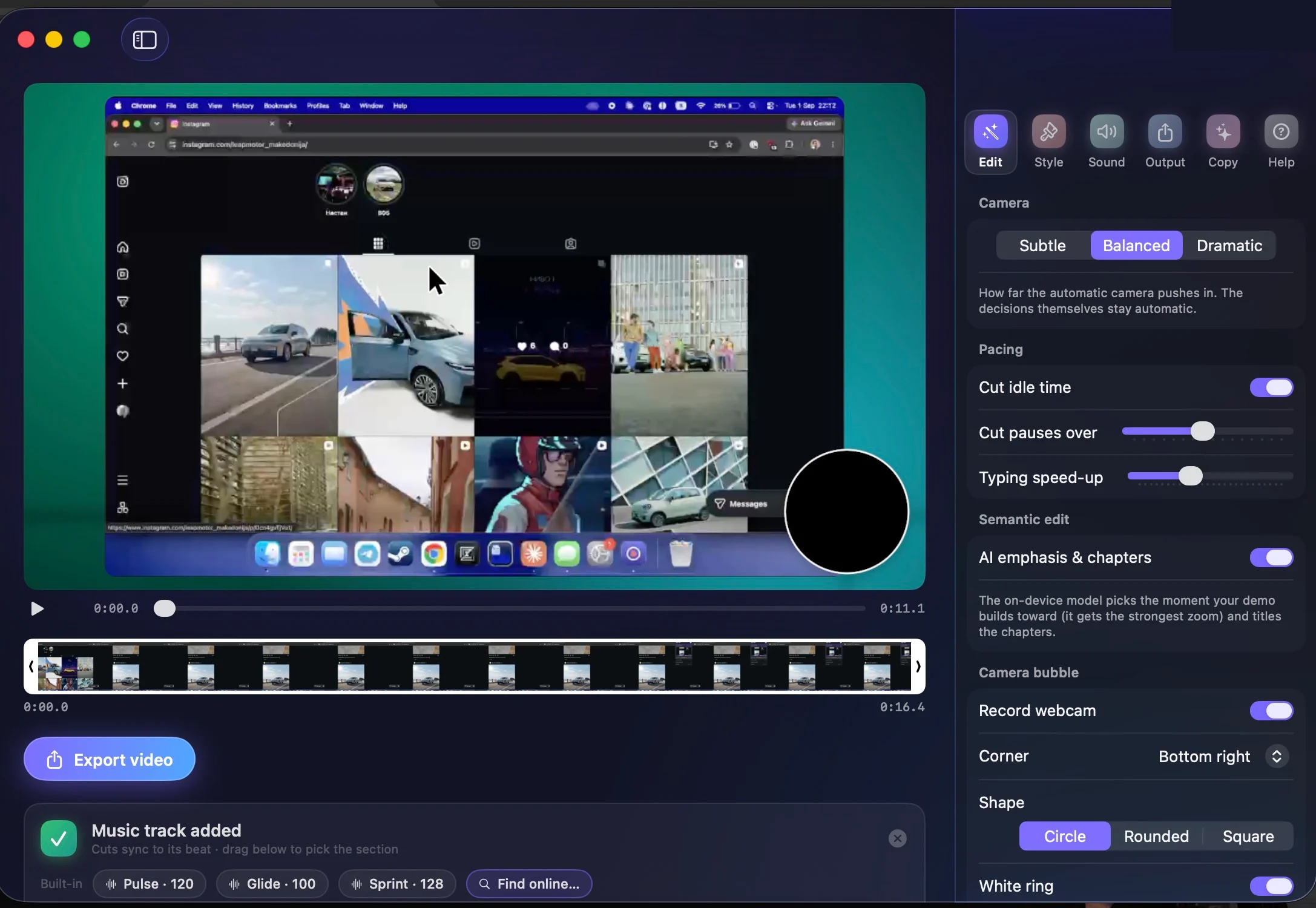
The preview is the editor
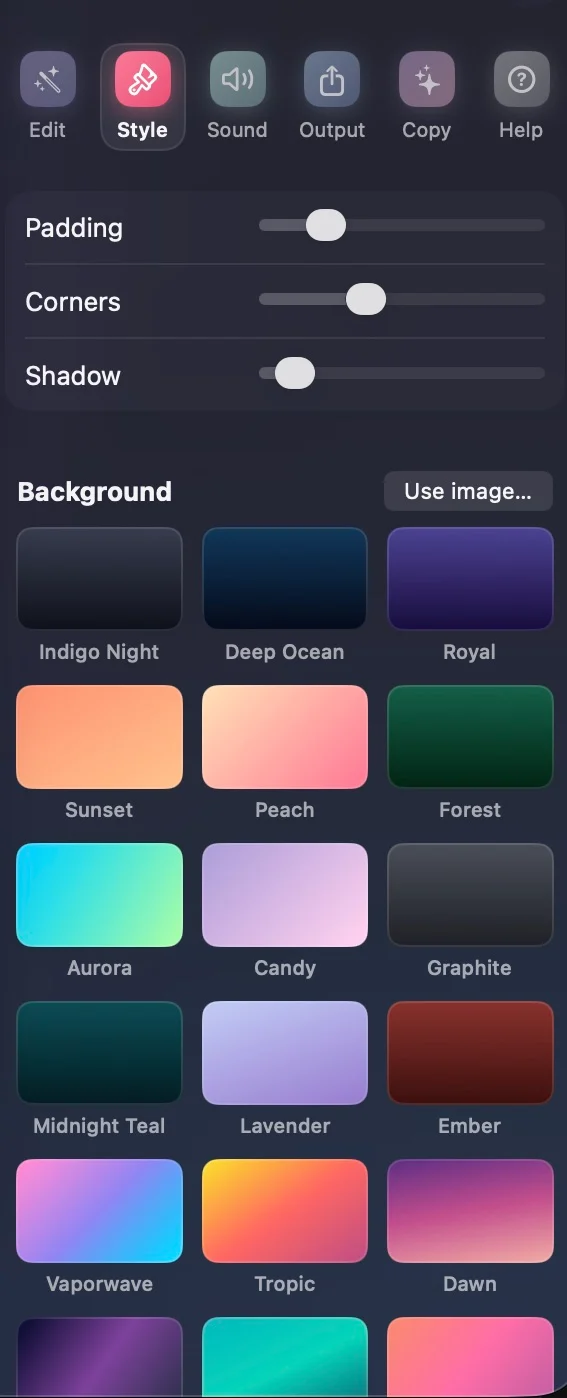
Every setting - background, camera intensity, trim, zoom toggles - applies instantly to a live preview. Export is the only offline step: MP4 up to 4K60, a GIF, or straight to the clipboard.
Capta, running


Pricing
Free means the product, not a tier of it. The Apple Intelligence features need a Mac that has Apple Intelligence; everything else needs nothing but the download.
- CaptaFree
The whole app. No trial clock, no watermark, no account.
- Automatic zooms, cuts and pacing
- Narration captions and the camera bubble
- Beat-synced music, built-in and searched
- Apple Intelligence features on supported Macs
- Screenshot studio, GIF export, 4K60 MP4
What you need
- Mac
- macOS 14 Sonoma or later, Apple silicon
- AI features
- Apple Intelligence, when enabled - optional, everything else works without it
- Size
- 1.8 MB download, notarized by Apple
- Account
- None. No sign-in, no telemetry, no uploads.
- Network
- None on its own. The update check and music search run only when you click them.